Clean
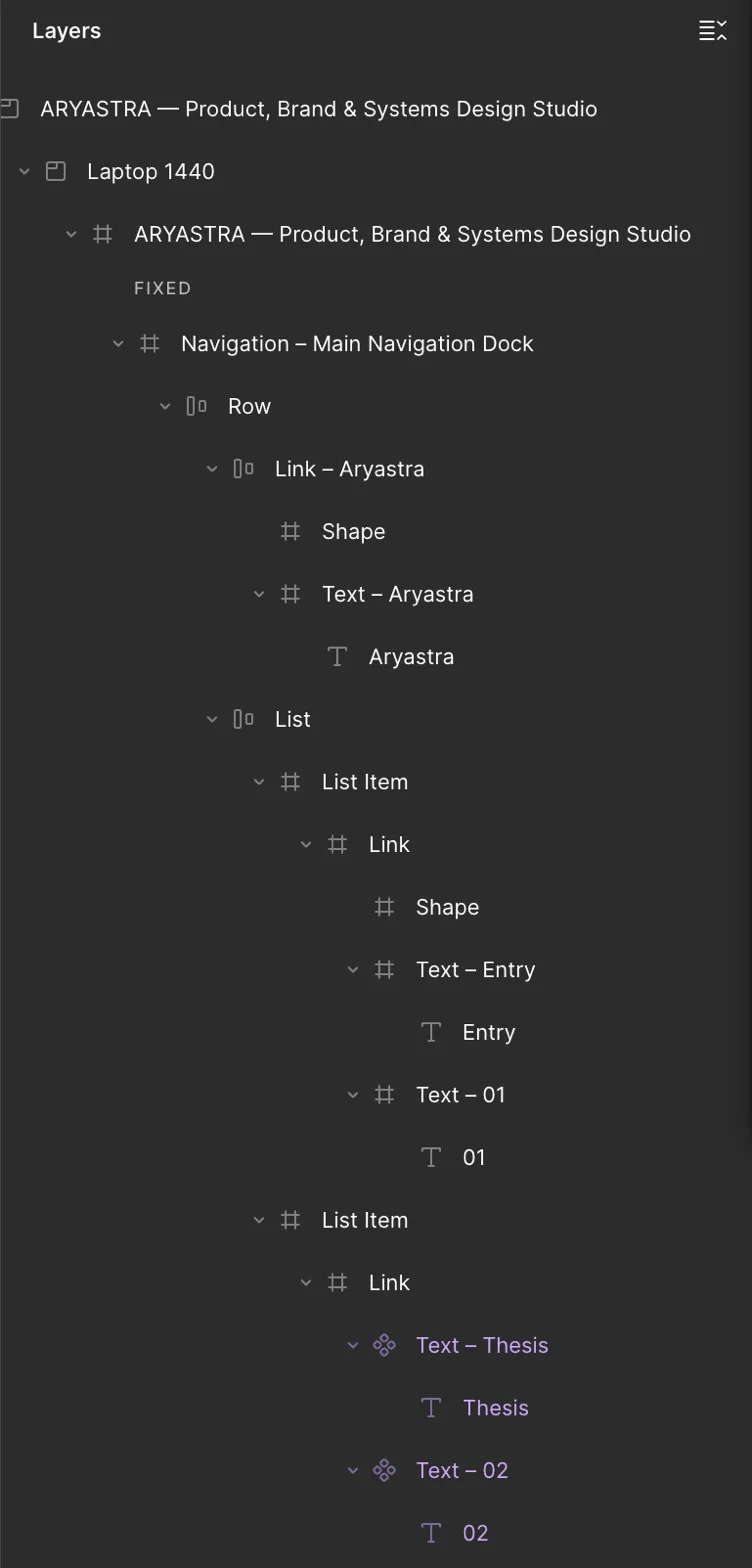
Layers named after what they are, with Auto Layout wherever the page is a row or column.
- HeroAuto
- Heading
- Paragraph
- ButtonAuto
- ServicesGrid
- CardAuto
 A Figma plugin
Paste a URL. Get real frames, text, images and Auto Layout, at every screen size.
 Layers
Real layers
Frames, text, images and Auto Layout, named after what they are. Not a screenshot: every word is a text layer, in the page’s own fonts.
In Figma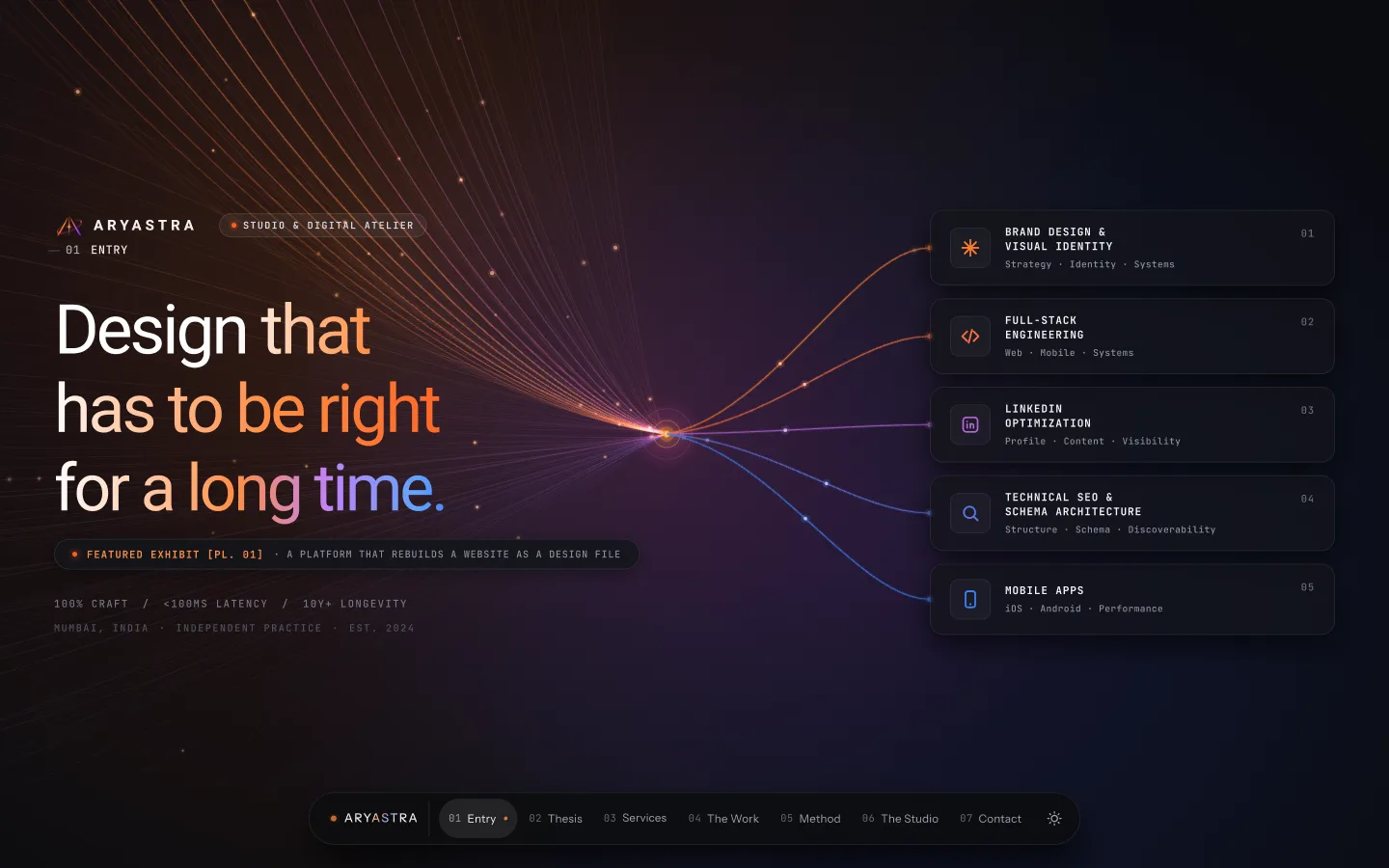
See for yourself
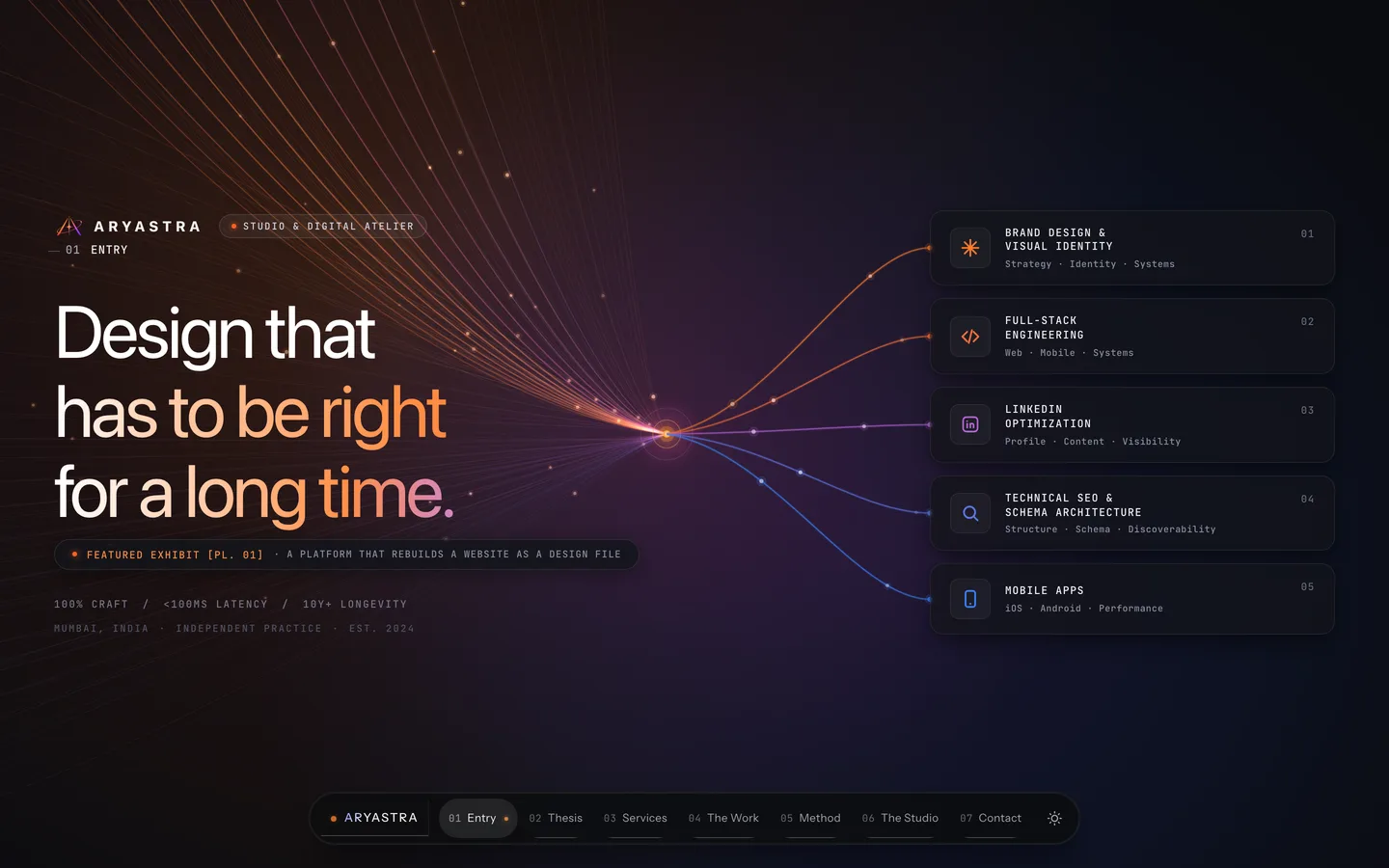
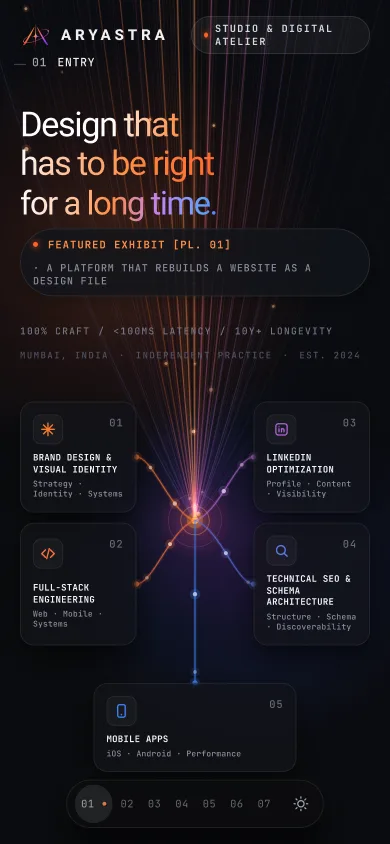
On the left, aryastra.com in Chrome. On the right, the same page after a Reweave import at 1440 wide, in Clean mode. Nothing retouched.
Desktop to mobile
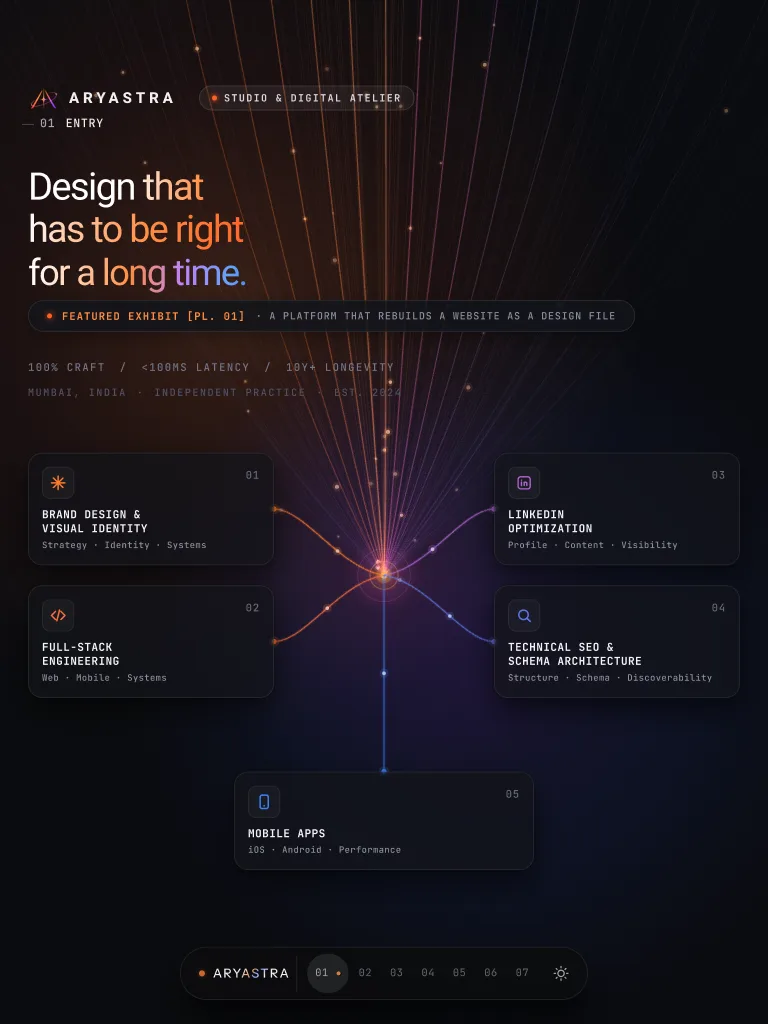
Pick any widths and Reweave captures the page at each one, laid out side by side as separate frames.
Simple by design
One window, three choices: where the page comes from, which screen sizes, and how tidy the result should be.
Reweave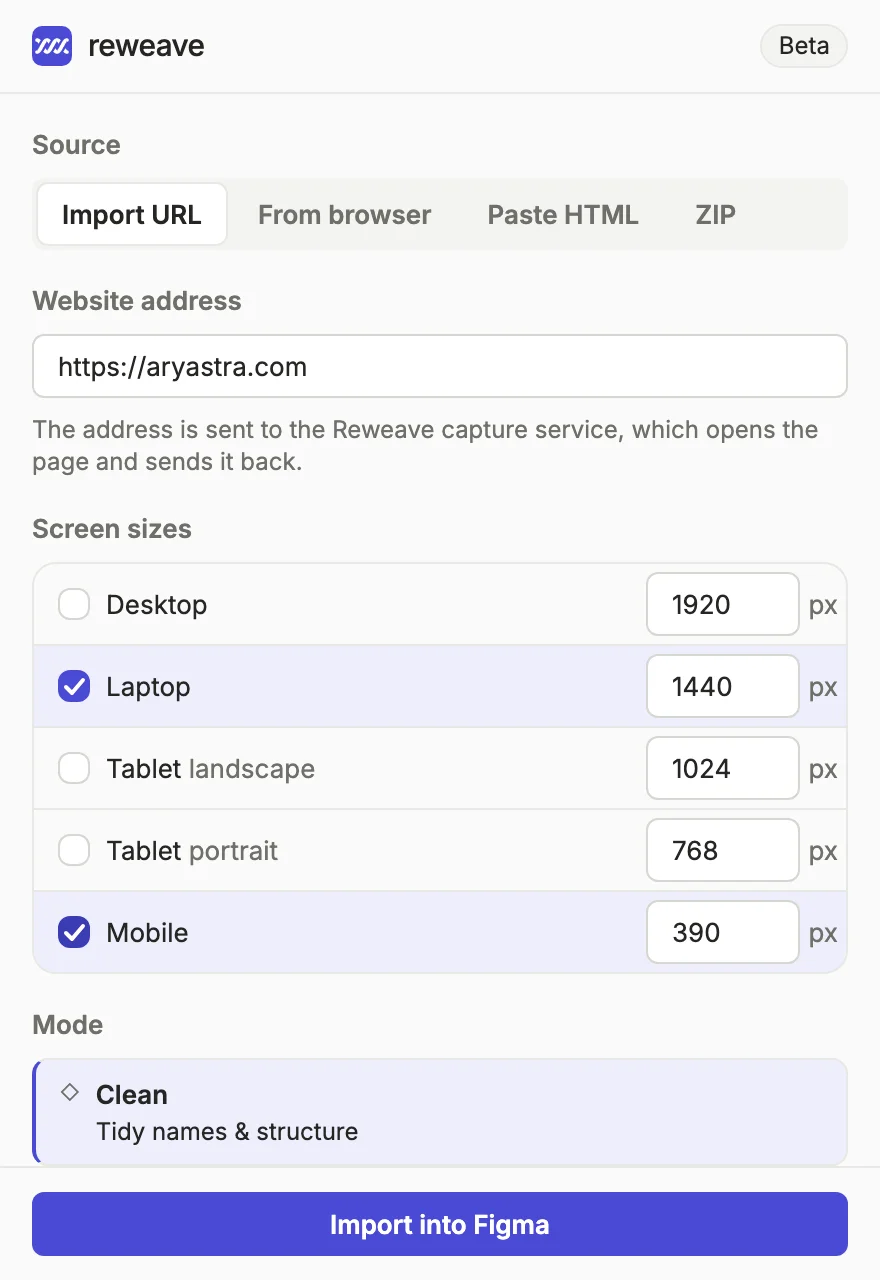
From your browser
The free Reweave Capture extension for Chrome captures a page exactly as it is in your tab: logged in, menu open, step 3 of a form. Or select just the nav, a pricing table or a card, and each comes into Figma as its own frame.
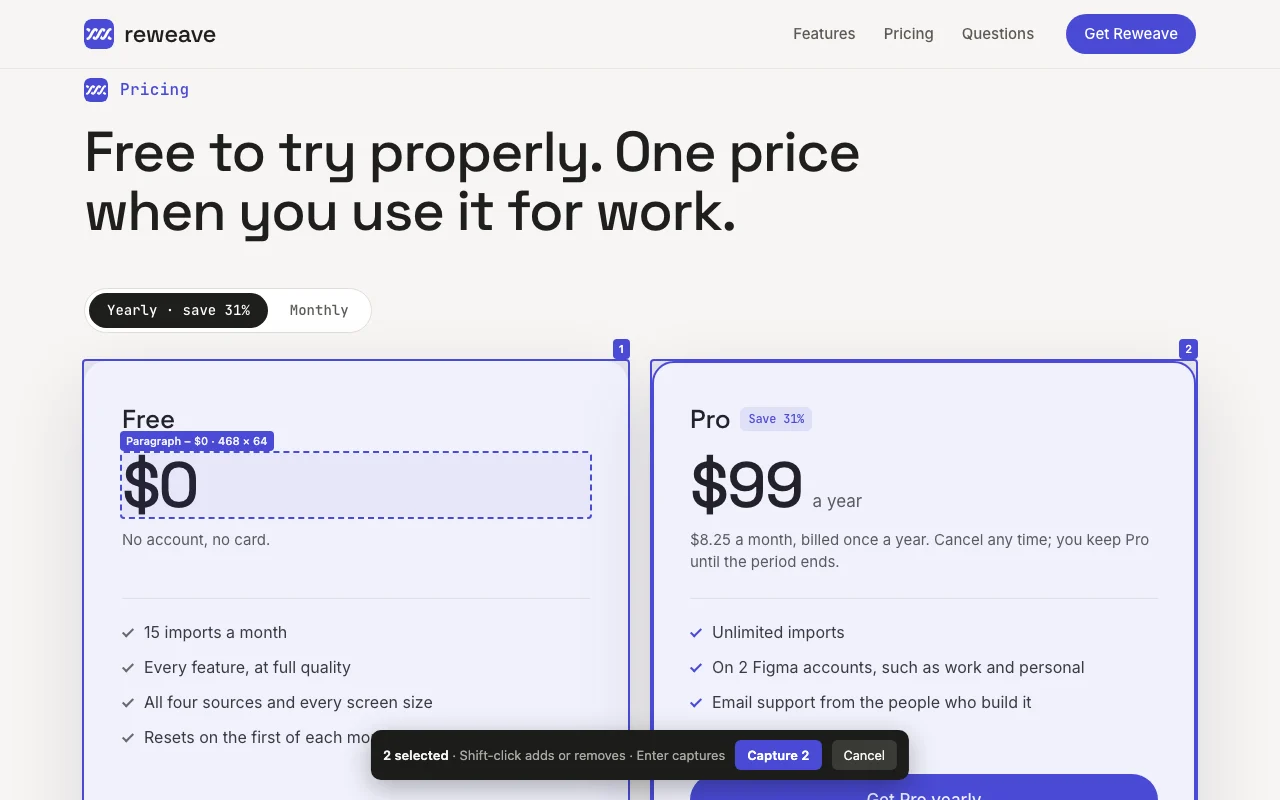
Coming soon to the Chrome Web Store.
Three modes
Readable layer names, the page’s own names for handing over to developers, or repeated cards turned into components.
Layers named after what they are, with Auto Layout wherever the page is a row or column.
Exactly as shipped: the same layout, with layer names straight from the page’s HTML.
Clean, plus repeated cards and rows turned into a component and its instances. You approve each one.
Colours & type
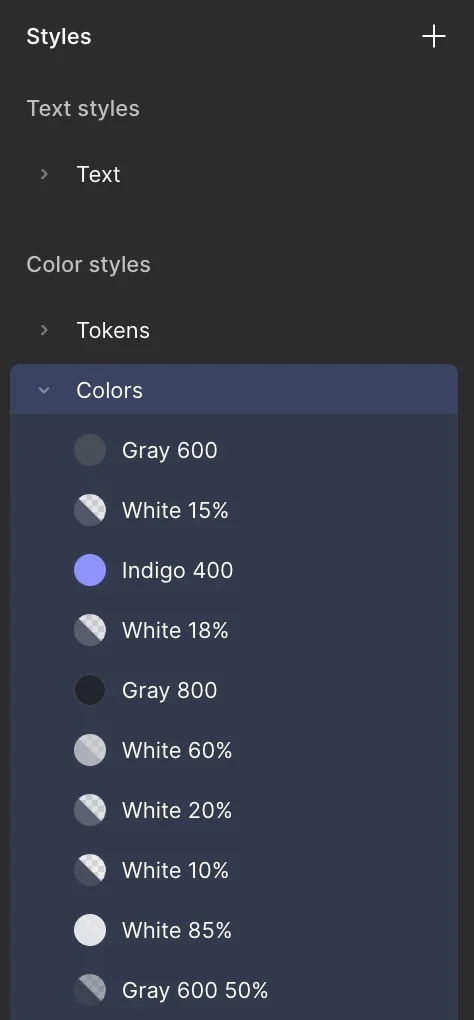
Reweave reads the page’s own colours and text styles and creates them as Figma styles, already applied to the layers. The file starts organised, not as a pile of loose colour codes.
Private by design
Pasted HTML and ZIP files are rebuilt right inside Figma. Only URL imports and browser captures use the Reweave service, which never stores your pages.
Rebuilt inside Figma. Nothing is sent anywhere.
Stays on your computerAn exported site with its CSS and images, rebuilt inside Figma.
Stays on your computerThe address goes to the Reweave service, which opens the page and sends it back.
Page never storedCapture a page as you see it, logged in, or just the parts you select, with the Chrome extension.
Coming soon66
test pages score every change to Reweave, for layout, type, spacing and how closely the result matches the page, before it ships. Anything an import approximates is listed in its report, with a button that takes you to the layer.
Pricing
$0
No account, no card.
$99a year
$8.25 a month, billed once a year. Cancel any time; you keep Pro until the period ends.
Unlimited means fair use: up to 50 imports a day, which no one designing by hand reaches. Write to us if you need more.
Prices are in US dollars. Sales tax or VAT is added at checkout where it applies.
Payments are handled by Dodo Payments, who sell Reweave on our behalf. Your license key arrives by email.
Questions
One page, at every screen size you chose. Importing a page at desktop, tablet and phone is one import. An import that fails is not counted.
Reweave tells you, and offers Pro. Nothing you have already imported changes, and the count starts again on the first of the next month (UTC, the world’s standard time).
After checkout your license key arrives by email. In Figma, open Reweave, then Options, paste the key under Pro license key and press Activate.
A license works on two Figma accounts, on any number of computers. To move it to a third account, press Remove on one of the others first.
Cancel any time in the Dodo Payments customer portal, linked below, or by writing to us. Pro stays on until the end of the period you paid for. If Reweave does not work for you, write within 7 days of your first payment for a full refund.
For Import URL, the address. For From browser, the page you captured. For every import, a count: the kind of import and your Figma account and computer as scrambled codes that cannot be turned back into your details. Pasted HTML and ZIP files never leave Figma.
Yes, with the Reweave Capture extension for Chrome. Press Select elements, click the parts you want, such as a nav, a pricing table or a card, and press Enter. Each one comes into Figma as its own frame, named after what it is.
Most. Pages that block automated visits, or that need a login, can be captured from your own browser with the Reweave Capture extension for Chrome. Drawings made in code (canvas) come in as images, and anything Reweave approximates is listed in the import report, with a link to the layer.
15 free imports a month. No account, no card.